Payments and shop for Engine Builder
Sell right from your pages.
EnginePay adds selling to Engine Builder, from a single Buy button to a full shop with cart and checkout. It is for Joomla site owners who want to take payments without adding a separate store system.
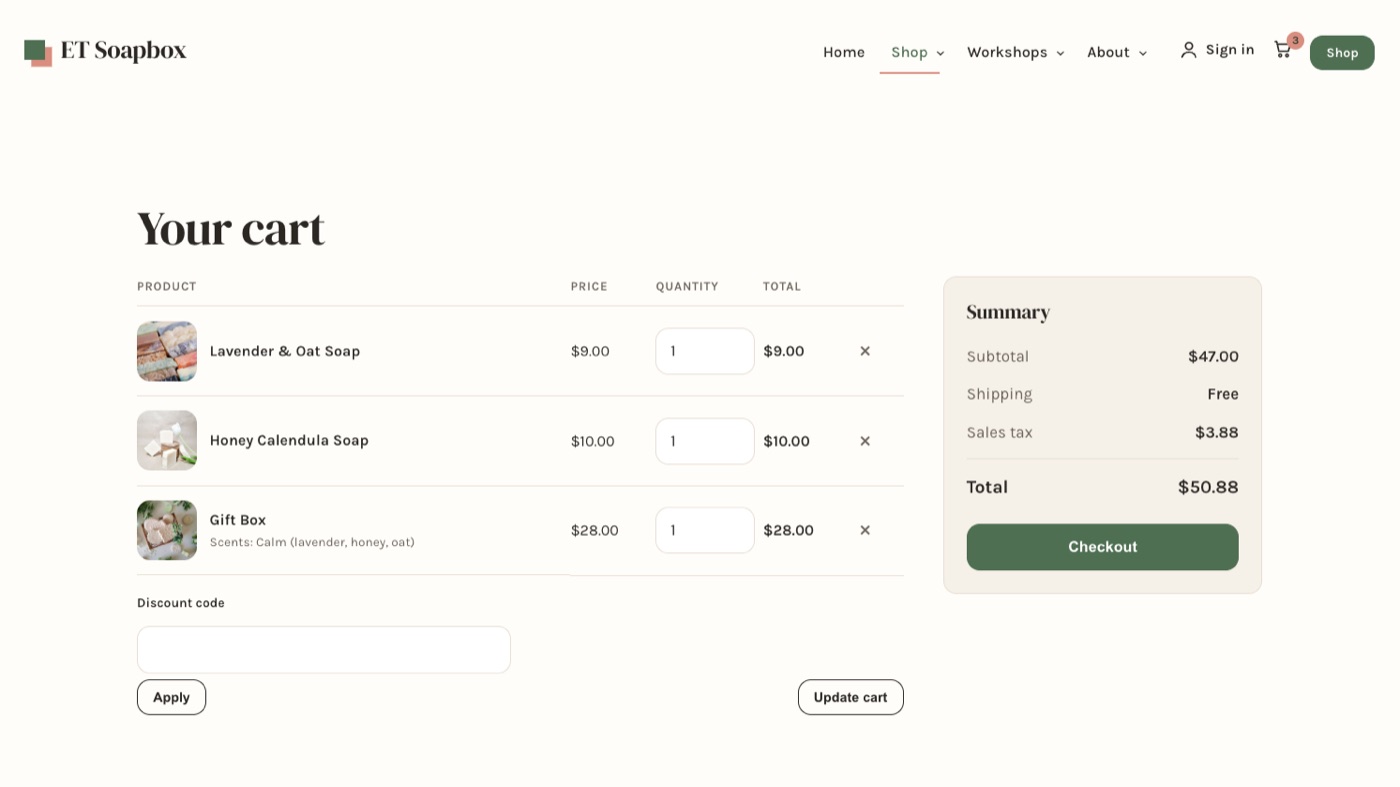
EnginePay works inside Engine Builder, so you sell from the same pages you already design. Drop a Buy button on any page for one product, or build a shop with products, categories, a cart and a checkout. Buyers can create an account or look up a guest order later. PayPal and offline payment are built in.
Orders land in a screen inside Joomla with totals, status and CSV export. Digital files are sent after payment from a private folder. The free core is included with every Engine template, and a Pro version is on the way.
What you get.
01
Buy button element
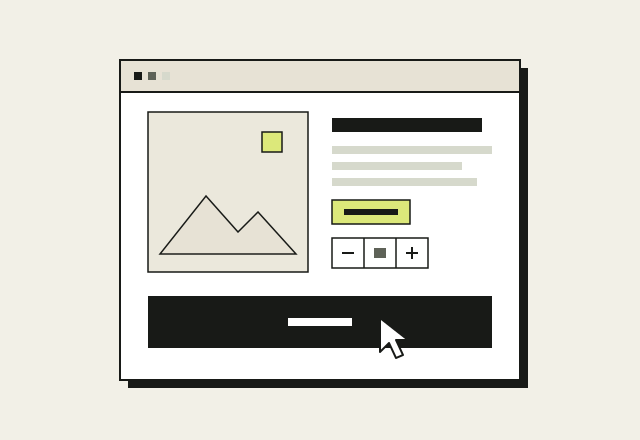
Place a Buy button on any Engine Builder page to sell one thing fast. Set a fixed price or let the buyer choose the amount. Add a download file, ask for a shipping address, and write your own thank-you text.
- Fixed or buyer-chosen price
- Quantity and shipping address
- Download file and thank-you text
02
A full shop
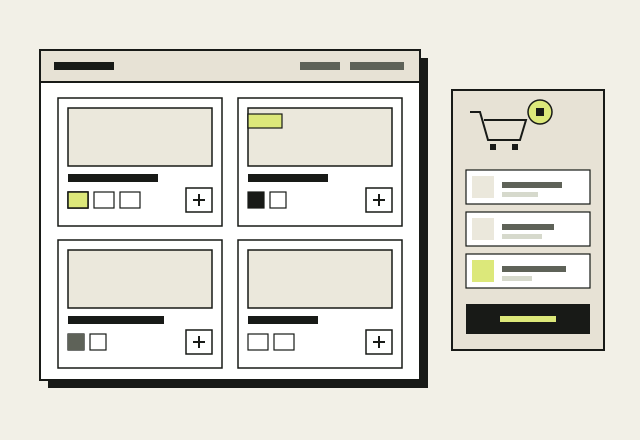
Build a shop with products, images, categories and product pages. Each product can have two option lists, such as Size and Colour, plus stock and a featured flag. Buyers add items to a cart and check out.
- Two option lists per product
- Stock, featured and categories
- Cart, checkout and customer accounts
03
PayPal and offline payment
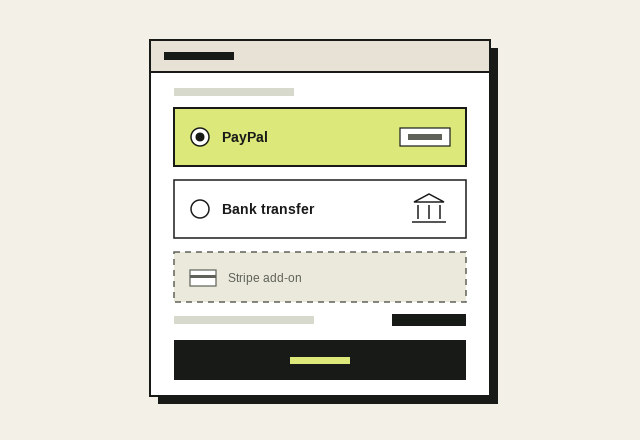
The core takes PayPal through the Orders API and offline payment such as bank transfer. With offline payment the buyer leaves details and you mark the order paid. Stripe card payments come as a separate paid add-on.
- PayPal Orders API
- Offline payment, owner marks paid
- Stripe cards as a paid add-on
04
Shipping, tax and coupons
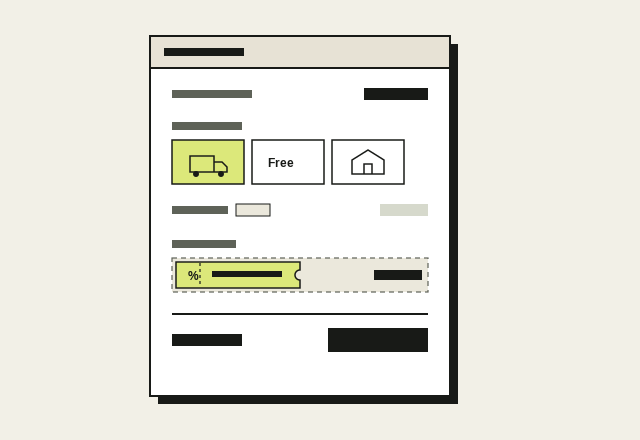
Choose flat rate shipping, free shipping over an amount, or store pickup. Set one tax rate that is included in prices or added at checkout. Create coupon codes with a percent or fixed discount.
- Flat rate, free over an amount, pickup
- One tax rate, included or added
- Percent or fixed coupon codes
05
Digital downloads
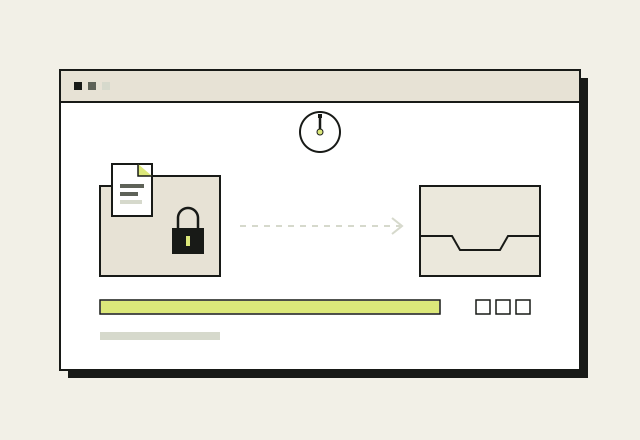
Sell files and EnginePay delivers them after payment. Files stay in a private folder, not in a public link. You set how long a link works and how many downloads it allows.
- Delivered after payment
- Served from a private folder
- Time and download limits
06
Orders screen in Joomla
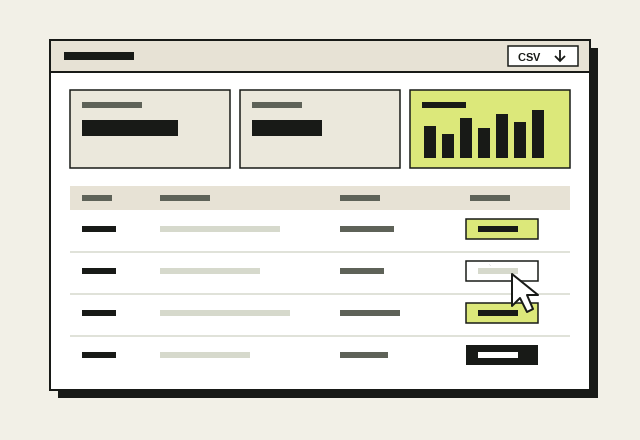
Every order shows up in Joomla with its totals and status. Mark offline orders paid, issue refunds and export orders to CSV. Buyers get receipt emails.
- Totals, status and mark paid
- Refunds and CSV export
- Receipt emails
How it works.
01
Add a Buy button or a shop
Drop the Buy button element on a page, or set up products and categories for a full shop.
02
Connect your payments
Turn on PayPal or offline payment, and add shipping, tax and coupons if you need them.
03
Take orders
Buyers pay at checkout and you follow every order, refund and receipt from Joomla.
Questions, answered.
Is EnginePay included with my template?
Yes. The free core is included with every Engine template. A Pro version is on the way.
Which payment methods are in the core?
PayPal through the Orders API and offline payment such as bank transfer. Stripe card payments are a separate paid add-on.
Can a buyer change the price in the browser?
No. Prices are always read from the saved element on the server, so buyers cannot change them. Payment webhooks are checked too.
Can I sell digital files?
Yes. Files are delivered after payment from a private folder, with time and download limits you set.
Do buyers need an account?
No. Buyers can create a customer account, or check out as a guest and look up the order later.
Start with a template.
Every Engine template comes with the free core, so you can try it on your own site first.