Joomla template framework
The core of every Engine template.
Engine Framework is our own template framework for Joomla 5 and 6, and it runs every Engine template. It is for site owners who want to set colors, fonts, headers and layouts from one panel without touching code.
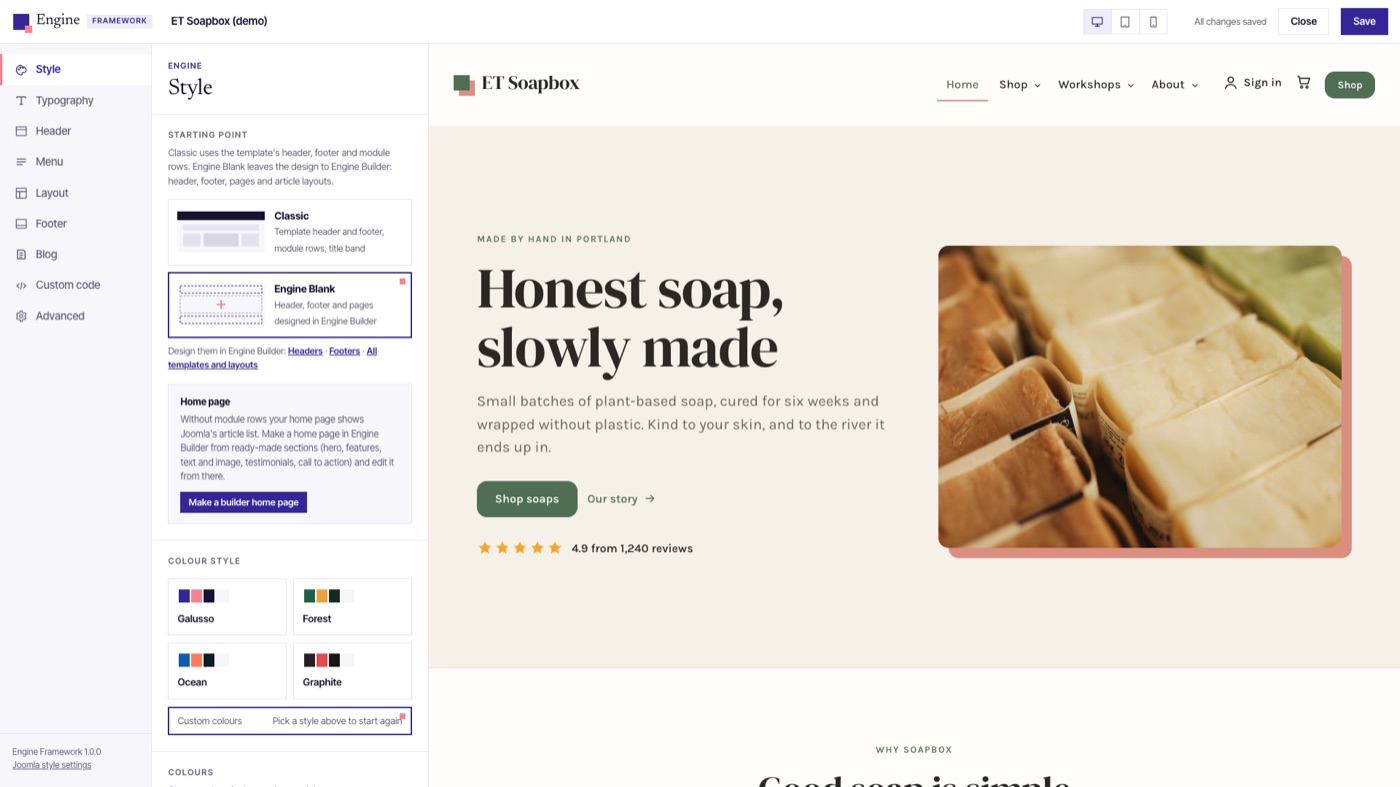
Engine Framework replaces Helix Ultimate in our templates. It needs PHP 8.1 or newer and is written in vanilla JavaScript, so there is no build step. Each template ships with its own defaults, so you start from that template’s design. You change the rest from a full-screen options panel.
The free core is included with every Engine template, and the free Engine template ships with it. A Pro version is on the way.
What you get.
01
Full-screen options panel
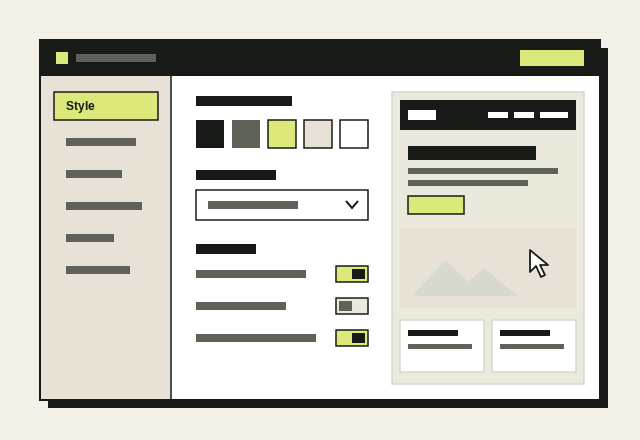
All template settings live in one full-screen panel with sections for style, layout, header and more. Every template brings its own defaults, so you start from a finished design and only change what you need.
- Colors, fonts and header styles in one place
- 100+ Google fonts to choose from
- Page layout rows with sidebars, plus custom code
02
Mega menus per menu item
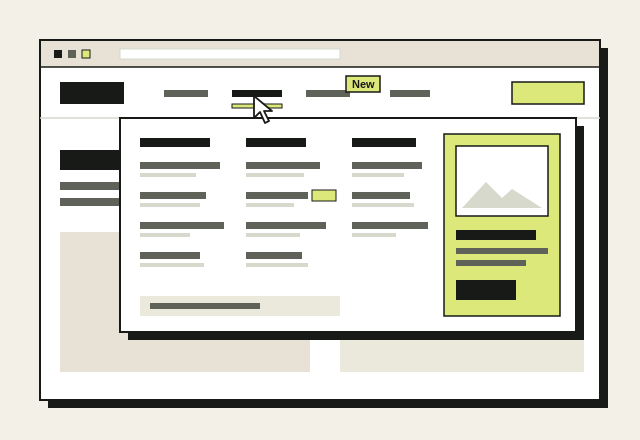
Turn any menu item into a mega menu and set it up right on that item. Pick the width, the number of columns and the position, then add a subtitle, a badge or a promo panel.
- Width, columns and position per item
- Subtitles and badges on menu links
- Promo panel inside the dropdown
03
Blog extras built in
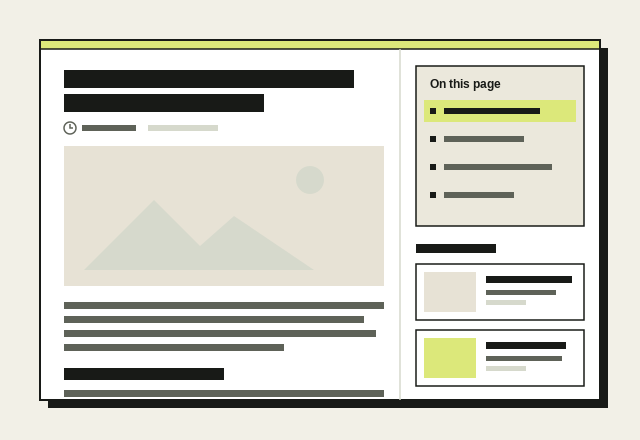
Articles get the tools readers expect without extra extensions. An “On this page” table of contents is built from your H2 headings, and a progress bar shows how far the reader has scrolled.
- Related articles by tags, then by category
- Reading time and reading progress bar
- Card or plain blog lists with a set image ratio
04
Header and footer styles
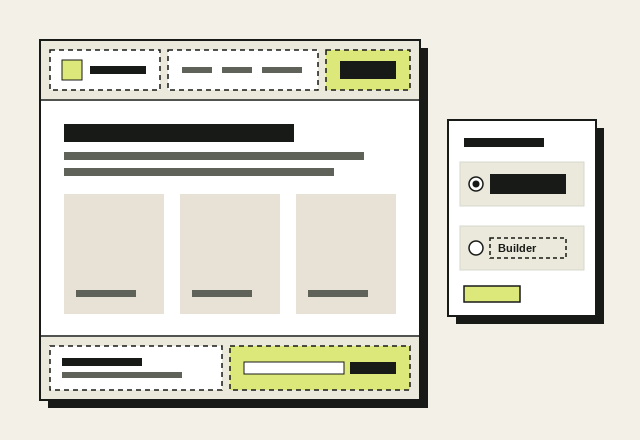
Choose one of the built-in header and footer styles, or switch to a builder style. A builder style shows the header or footer part you designed in Engine Builder.
- Built-in header styles ready to use
- Builder styles show Engine Builder parts
- Same choice for the footer
05
Classic or Blank start
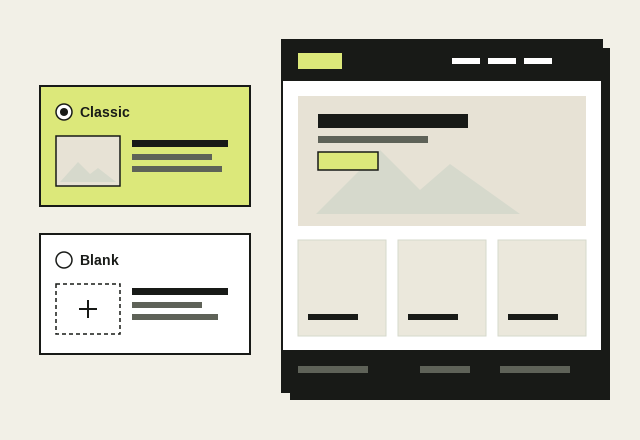
Pick how your site starts. Classic keeps the template’s own design. Blank gives you a builder header, a builder footer and a builder home page to design from scratch.
- Classic: the template’s design as shipped
- Blank: builder header, footer and home page
- “Put back the previous home page” restores it
06
A real mobile header
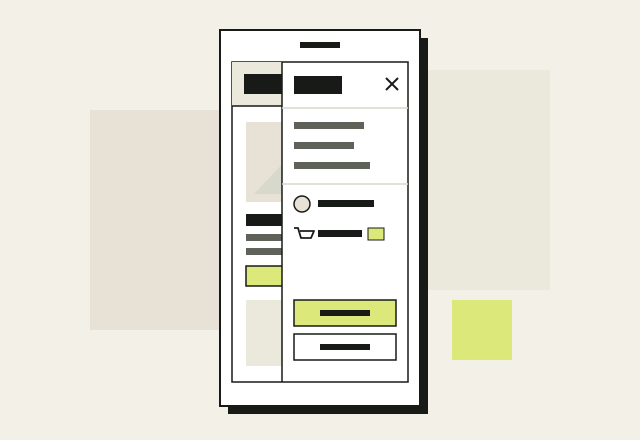
On phones the header shows the logo, the cart and the menu button in one row. The menu opens a side panel with your logo, account link, cart and buttons.
- Logo, cart and menu in one row
- Side panel with logo, account and cart
- Your buttons inside the side panel
How it works.
01
Install an Engine template
Every Engine template includes the free Engine Framework core.
02
Choose your starting point
Keep the Classic design or start Blank with builder parts.
03
Open the options panel
Set colors, fonts, header style and layout rows, then save.
Questions, answered.
Which Joomla versions does Engine Framework support?
It works with Joomla 5 and Joomla 6 and needs PHP 8.1 or newer.
Do I need Helix Ultimate?
No. Engine Framework replaces Helix Ultimate in our templates, so you do not need it.
Is Engine Framework free?
Yes. The free core is included with every Engine template, and the free Engine template ships with it. A Pro version is on the way.
Can I use a header made in Engine Builder?
Yes. Pick a builder header or footer style and the framework shows the part you built in Engine Builder.
What happens to my home page if I choose Blank?
Blank adds a builder home page. If you want the old one back, use “Put back the previous home page” to restore it.
Start with a template.
Every Engine template comes with the free core, so you can try it on your own site first.