Drag and drop page builder for Joomla
Drag, drop and build every page.
Engine Builder is a drag and drop page builder for Joomla 5 and 6 with a full-screen editor and the live page in the canvas. It is for site owners and designers who want to build pages, headers and footers without writing code.
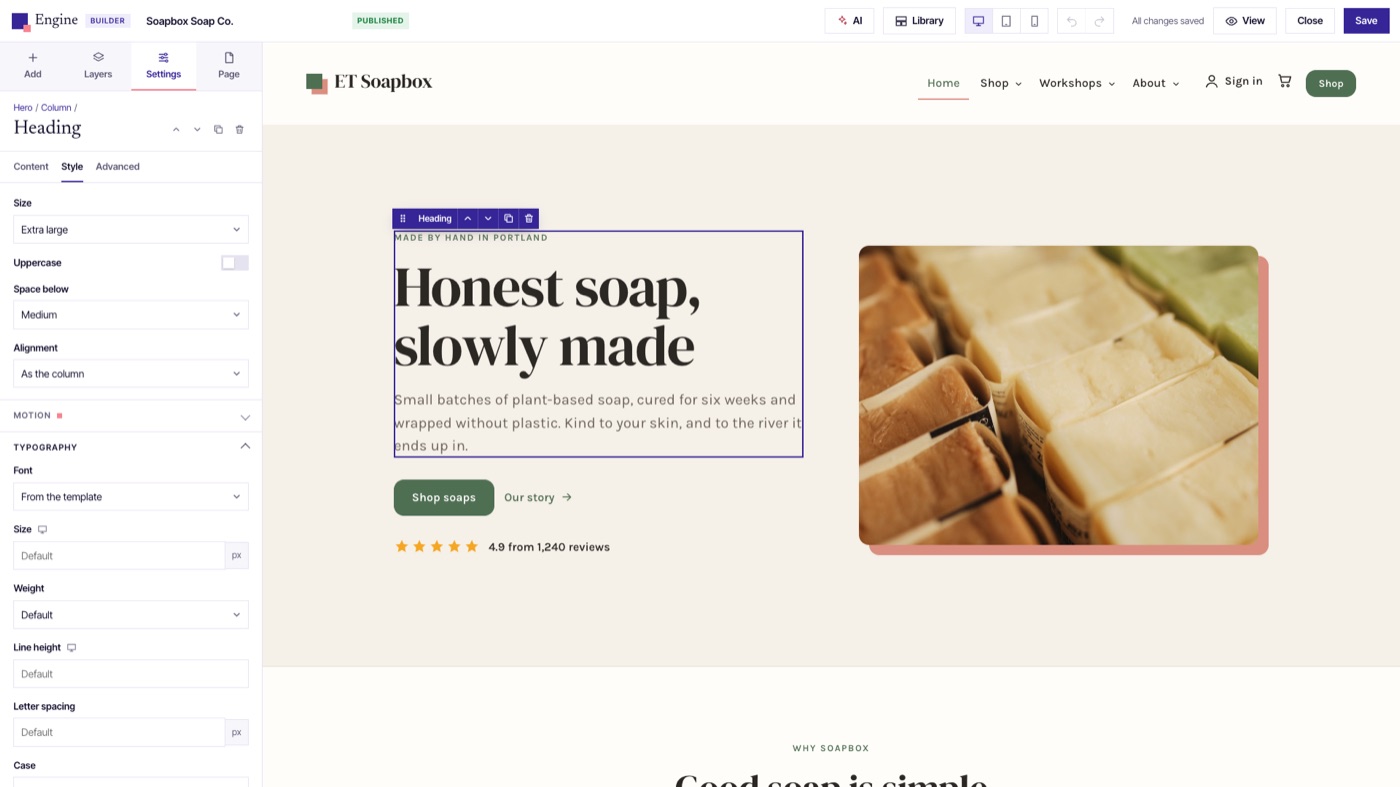
Open a page and the editor fills the screen, with your real page in the middle. You drag elements in, click any text to edit it in place, and right-click for more actions. You can copy and paste elements or just their styles, and undo any step.
Each element has its own style for desktop, tablet and phone. Start from a ready section, a page design or a whole site kit, then make it yours. The free core is included with every Engine template, and a Pro version is on the way.
What you get.
01
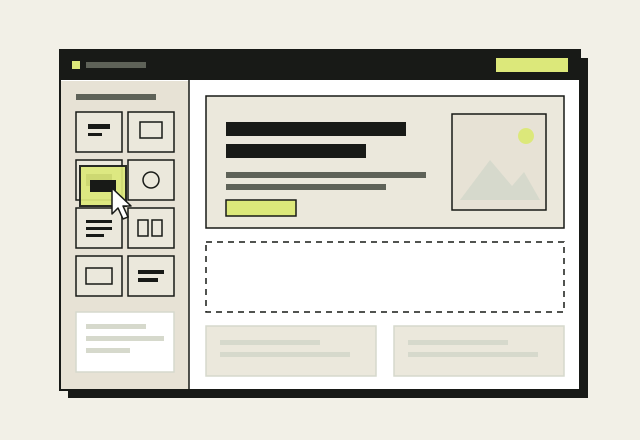
Live drag and drop editor
The full-screen editor shows the live page in a canvas. Drag an element where you want it and see the result right away. Click text to type over it.
- Inline text editing
- Right-click menu with copy and paste
- Undo for every change
02
Styles per device and motion
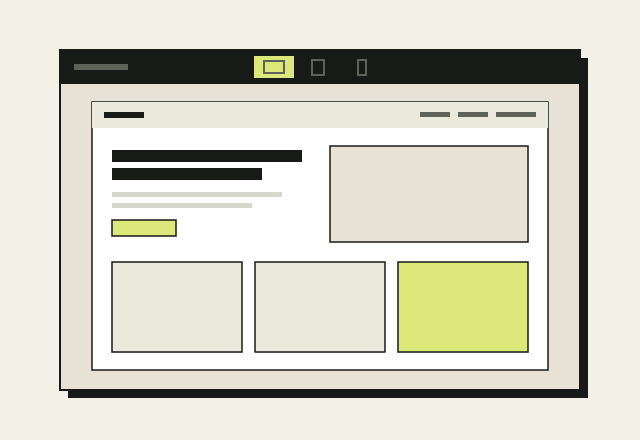
Set the style of each element for desktop, tablet and phone. Pick global site colors once and use them everywhere. Add entrance motion, hover effects and parallax backgrounds.
- Desktop, tablet and phone styles
- Fade, up, zoom and blur entrances
- All motion off with reduced motion
03
30+ elements
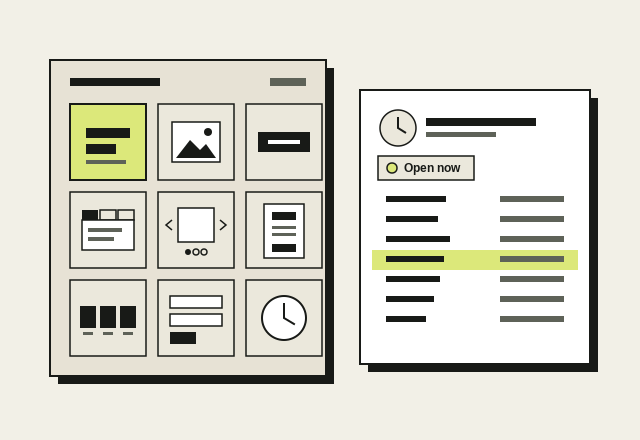
Headings, text, images, buttons, icons, tabs and carousels cover the basics. Testimonials, pricing tables, team, countdown, flip box and call to action fill out a business site. Forms save every answer to an inbox in Joomla and send an email.
- Opening hours with a live “Open now”
- Posts, tables and forms
- Honeypot and timing spam protection
04
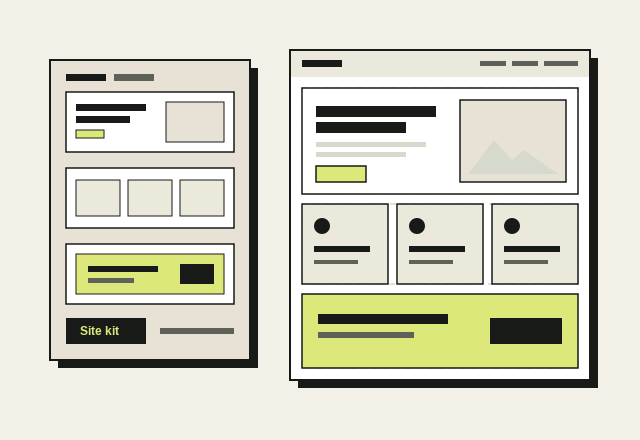
Sections, page designs and site kits
The library holds 33 ready sections and 10 page designs. Drop one in and edit it like any other part of the page. A site kit imports a whole site at once.
- 33 ready sections
- 10 page designs
- Site kits: pages, header, footer and colors
05
Theme builder
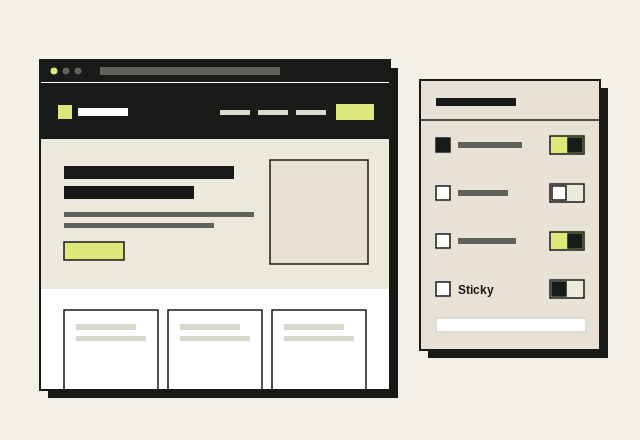
Build headers and footers in the same editor and choose where they show. Make a header sticky, shrink on scroll or sit transparent over the page. Design article and category layouts too.
- Display rules: all pages, home, chosen items, language
- Sticky, shrink and transparent headers
- Article and category layouts
06
Popups, conditions and dynamic tags
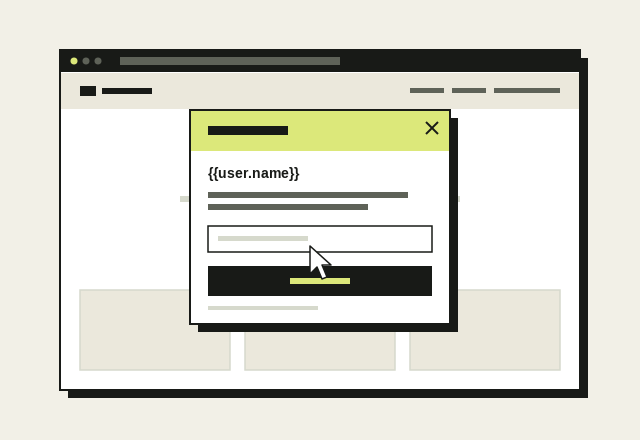
Open a popup on load, after a delay, on scroll, on exit or on click, with frequency rules. Show or hide any element by login state, date, day, time, language or referrer. Dynamic tags fill in text such as {{site.name}}, {{post.title}} and {{user.name}}.
- Five popup triggers with frequency rules
- Display conditions per element
- Dynamic tags in any text
How it works.
01
Install Engine Builder
Install it in Joomla 5 or 6, or import your existing SP Page Builder pages.
02
Start from the library
Drop in a ready section, a page design or a whole site kit.
03
Edit on the live page
Drag, type and style each element for desktop, tablet and phone, then save.
Questions, answered.
Which Joomla versions does Engine Builder support?
Engine Builder works with Joomla 5 and Joomla 6.
Is Engine Builder free?
The free core is included with every Engine template. A Pro version is on the way.
Can I move my SP Page Builder pages?
Yes. The importer converts SP Page Builder pages from version 3 to 6 and maps about 30 addons. It reports warnings for anything it could not convert.
Where do form answers go?
Answers are saved in an inbox inside Joomla and can also be sent by email. Honeypot and timing checks help keep spam out.
What happens to motion for visitors who prefer less motion?
All entrance motion, hover effects and parallax turn off when the visitor has reduced motion set.
Start with a template.
Every Engine template comes with the free core, so you can try it on your own site first.