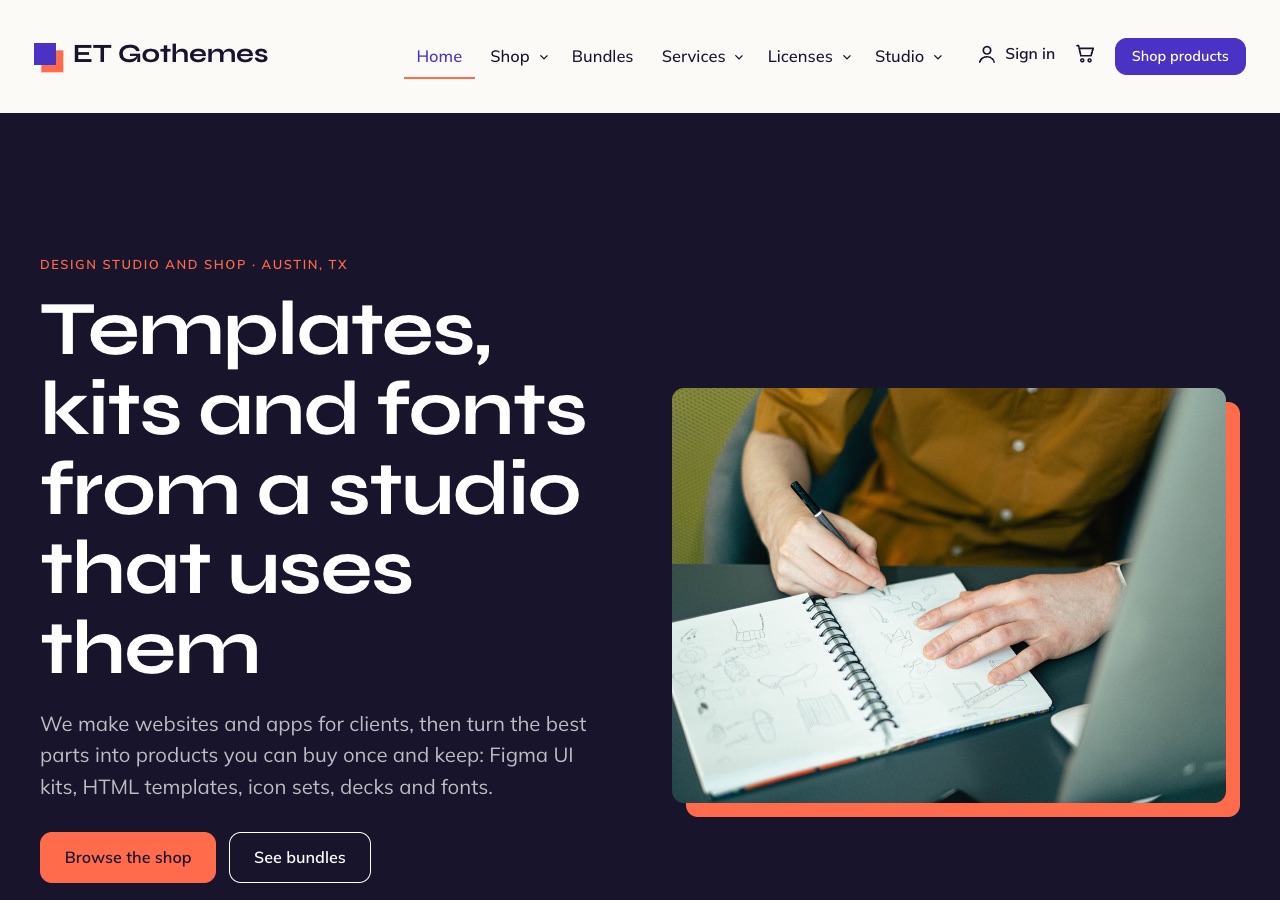
WordPress theme
ET Garden
Responsive Landscaping WordPress Theme
A green WordPress theme for gardeners and landscaping companies.
- Free version available
- Complete demo with Pro
- Ticket support
Choose your edition
Most popular
Pro Standard
$29 / year
- All features and page layouts
- Complete demo site, ready to import
- Copyright removal
- 1 website
- 1 year of downloads, updates and tickets
Pro Unlimited
$49 once
- Everything in Pro Standard
- Unlimited websites
- Lifetime downloads, updates and tickets
- One payment, no renewal
Building sites for clients? A membership includes every Pro template
About ET Garden
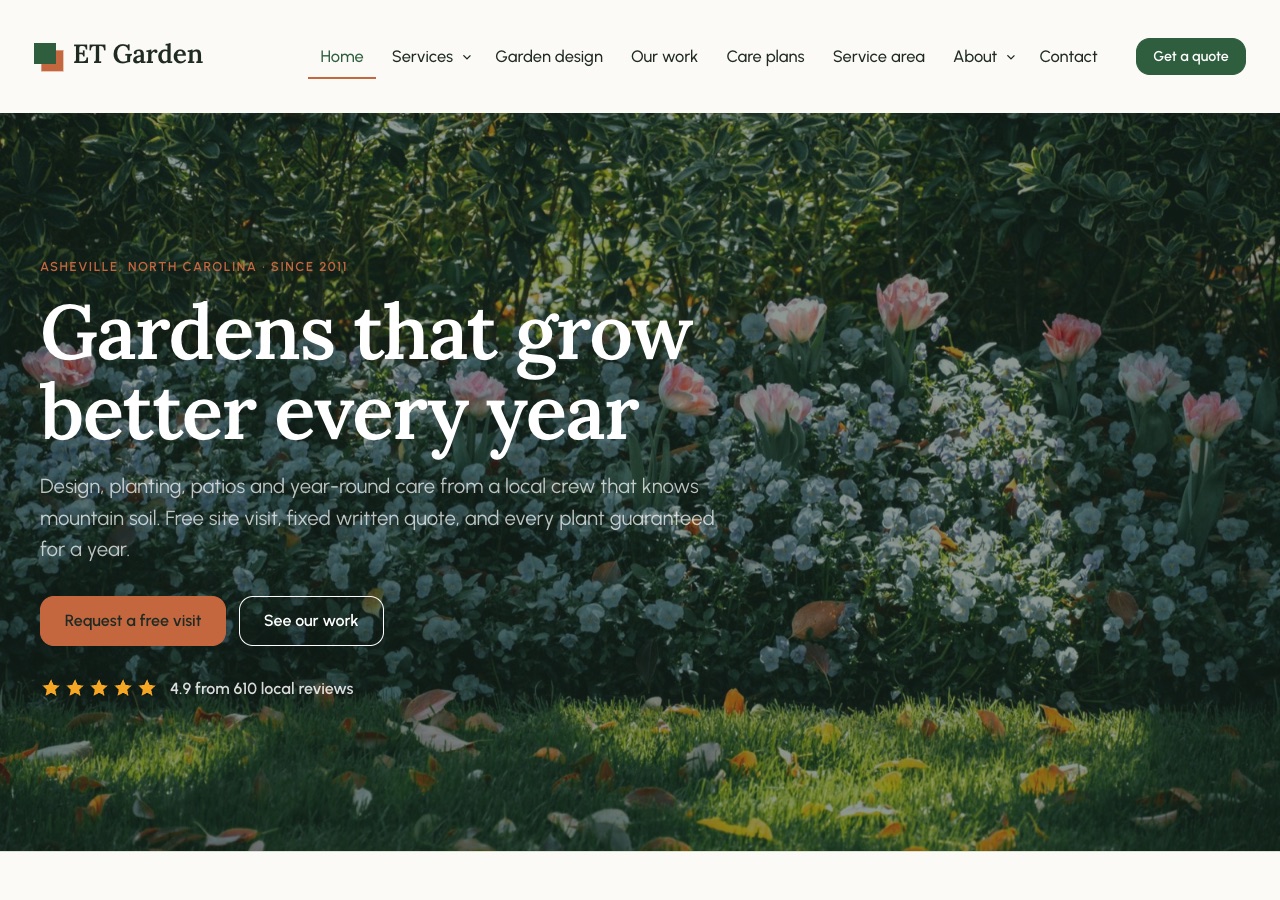
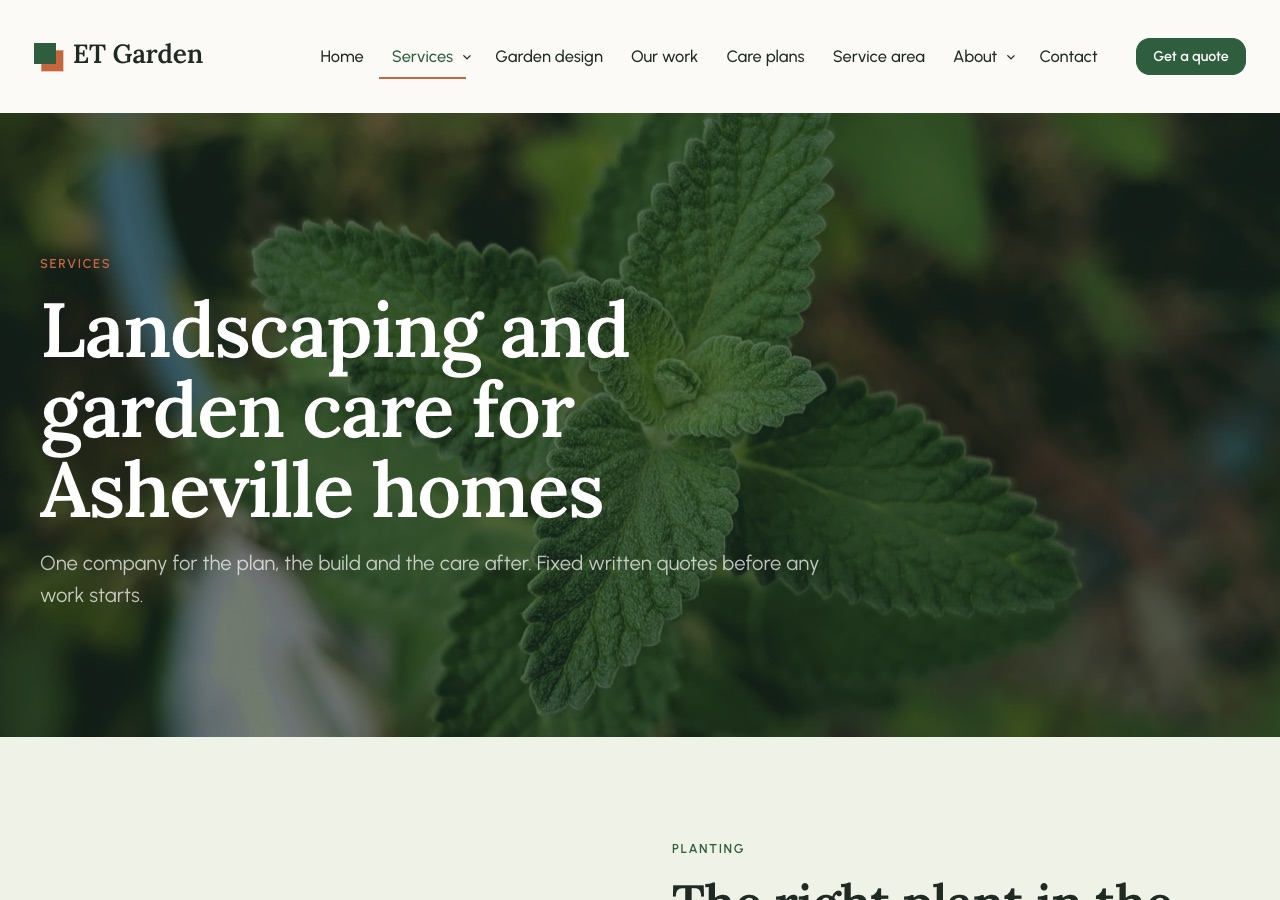
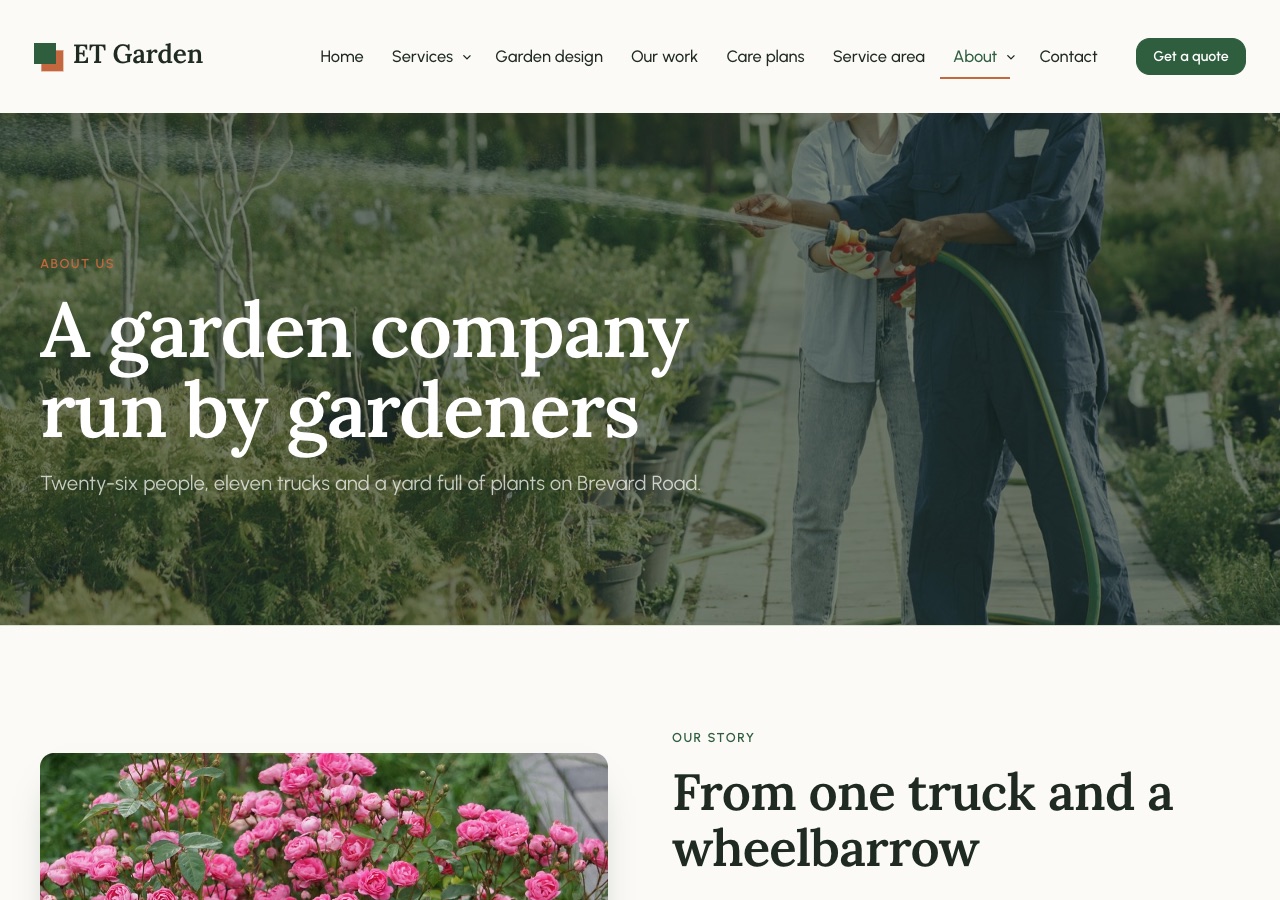
Garden helps landscaping businesses show the work they do: design, planting, lawn care and maintenance. Before and after photos, a service list and a quote request bring in new clients through the seasons.
A good fit for
- Landscaping companies
- Gardeners and lawn care services
- Garden design studios
Key features
Project photos
Before and after galleries of finished gardens.
Services
Design, planting, lawn care and maintenance sections.
Quote requests
A clear form for new garden projects.
Seasonal tips
News sections for seasonal advice and offers.
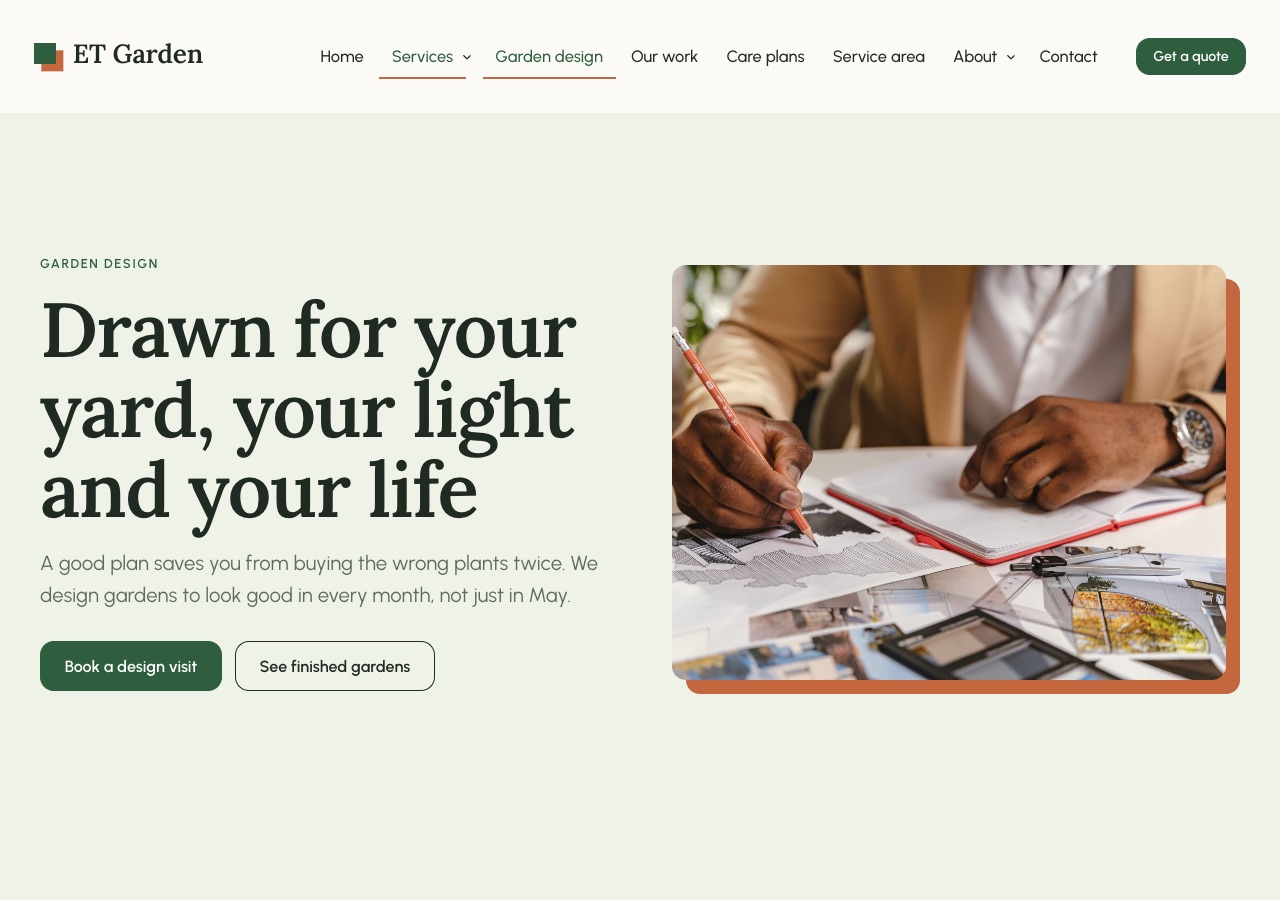
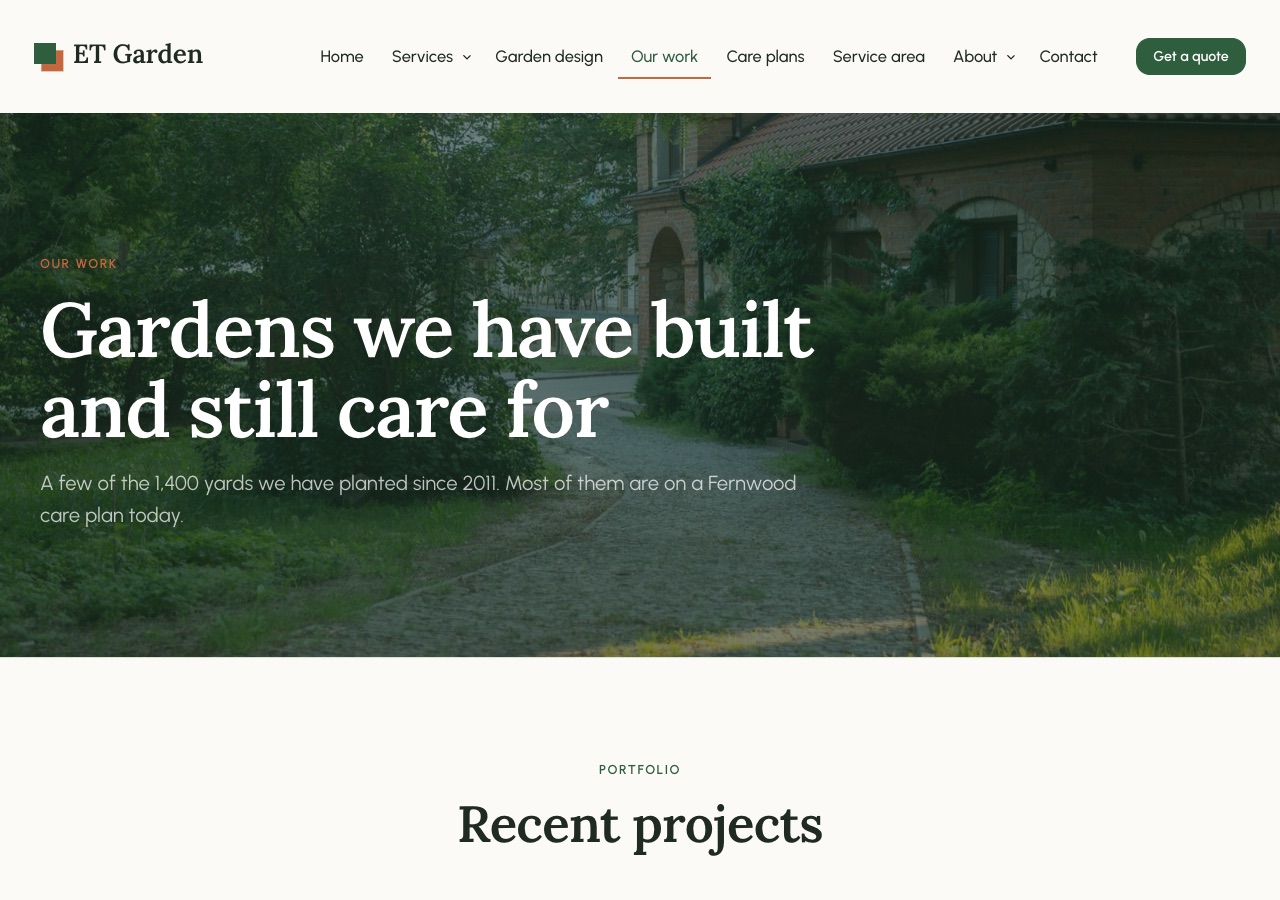
Screenshots
Requirements
- WordPress
- 6.6 or higher
- PHP
- 8.1 or higher
- Page builder
- Engine Builder (included, free)
- Forms
- WPForms Lite (free plugin)
- Live demo
- Open the demo
- Documentation
- doc.enginetemplates.com
Questions
Is there a free version?
Yes. Every theme has a free version you can try first. The footer credit stays in the free version.
What does Pro add?
Pro adds the complete demo site, ready to import from Appearance > Import demo, removes the footer credit and includes a year of updates and ticket support. Pro Standard is $29 a year for 1 website. Pro Unlimited is $49 once, for unlimited websites with lifetime updates.
How do I install it?
Upload the zip under Appearance > Themes > Add New and activate it. A notice then installs the free Engine Builder plugin in one click. Pro adds Appearance > Import demo for the whole demo site.
How do I edit the pages?
Every page, the header and the footer are Engine Builder sections in the WordPress block editor: click a section or element and change its text, photos and settings in the sidebar.